Document to handwriting
Convert PDF to handwriting
Turn any PDF into realistic handwriting. Upload your document, let AI extract and format the text, then download it as a handwritten PDF in 88 styles — no watermarks.
What is a PDF to handwriting converter?
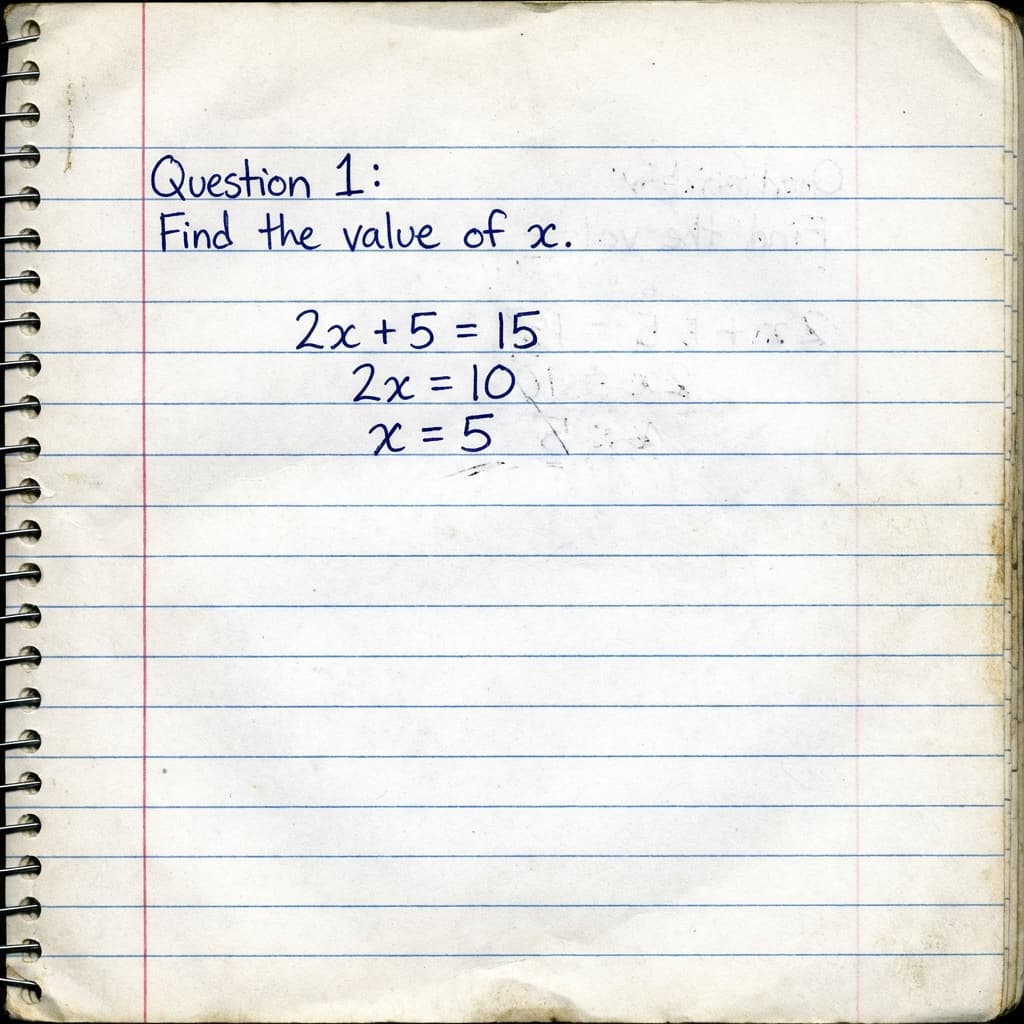
A PDF to handwriting converter takes a typed PDF document and turns it into realistic, human-like handwriting. Instead of retyping pages, you upload the file — the tool extracts the text, AI cleans and structures it, and it's rendered in your chosen handwriting style on authentic paper, ready to download as a handwritten PDF for assignments, notes, and personal documents.
How it works
Convert PDF to handwriting in three steps
Upload your PDF
Drop in a PDF (or DOCX) document. Our extractor pulls the text out automatically — no copy-paste needed.
AI cleans & formats
AI removes artifacts, fixes spacing, and structures the content with headings and lists so it reads like real notes.
Style & download
Pick from 88 handwriting styles and 53 paper backgrounds, then export a high-quality handwritten PDF.
Why use it
The fastest way to make a PDF look handwritten
Skip the hours of recopying. Upload a PDF or Word file and our converter handles extraction, formatting, and rendering — so your document looks like it was written by hand on real paper.
- PDF & DOCX support. Convert PDFs, Word documents, and pasted text — all into authentic handwriting.
- 88 styles, 53 papers. Match neat print, casual, or cursive handwriting to lined, grid, or blank paper.
- AI auto-formatting. Long documents are cleaned and structured automatically, so the handwriting stays readable.
- No-watermark export. Download a print-ready handwritten PDF with clean margins and no branding.
FAQ
PDF to handwriting — questions
How do I convert a PDF to handwriting?
Is the PDF to handwriting converter free?
Can I convert a Word document (DOCX) too?
Will the handwriting look real?
Does it keep my document formatting?
Why convert a PDF to handwriting?
Many teachers and universities still ask for handwritten submissions, but most source material lives in typed PDFs and Word files. Instead of recopying pages by hand, a PDF to handwriting converter bridges the gap: it reads your document, preserves the structure, and renders everything in realistic handwriting you can print or submit digitally.
Our converter is built for real documents. The extractor strips out headers, page numbers, and citation artifacts, while AI reformats long content into clean headings and lists. The result is a handwritten PDF that reads naturally — ideal for assignments, lecture notes, and study guides converted straight from your existing files.